Accepting payments in person starts with the right equipment. Helcim offers a Smart Terminal for an all-in-one setup and a compact Card Reader that works on its own or paired with the Helcim app, and you can order either one without leaving your Helcim account.
This article helps you choose, walks you through checkout, and shows you how to follow your order until it arrives.
| If you only plan to accept payments online, you can skip this step and head to our article on processing your first transaction. |

Choosing the right equipment
Before you place your order, it's helpful to think about which equipment suits the way you take payments.
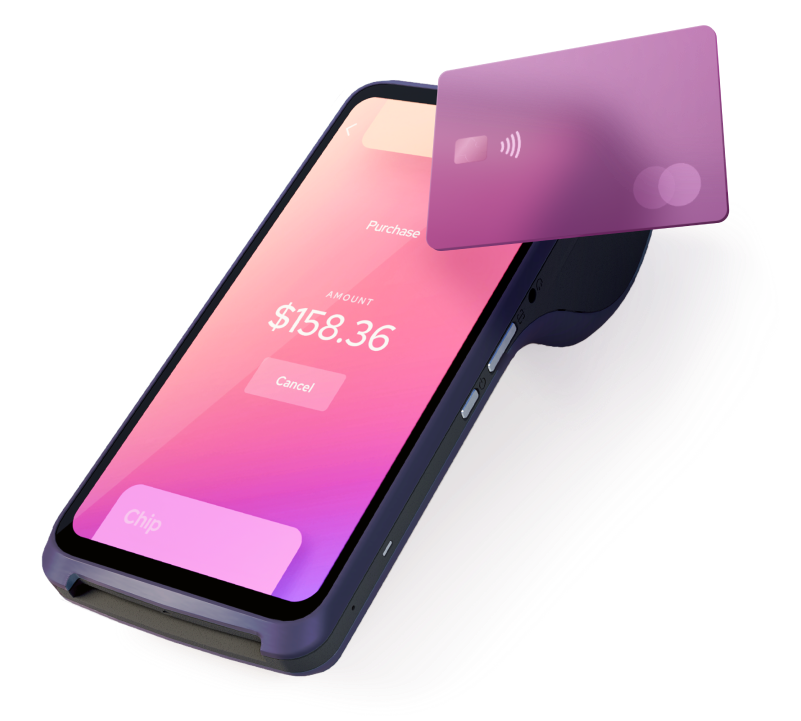
Helcim Smart Terminal
This all-in-one device is perfect for businesses that want a comprehensive point-of-sale solution. It accepts various payment methods, manages inventory, and prints receipts, all in one compact device. All new orders ship as the 2nd generation model. You can pay for it in full or spread the cost over 6 or 12 months with financing. To learn more, read What is the Helcim Smart Terminal?
Helcim Card Reader
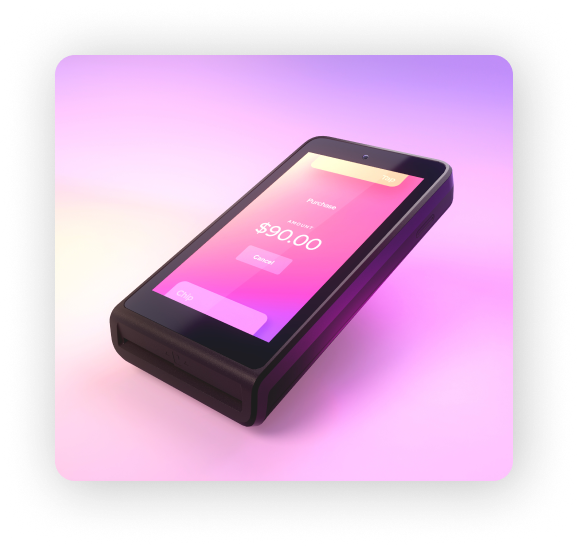
This portable card reader is ideal for businesses that need a flexible and affordable solution for taking payments on the go. It has a 4" color touchscreen and connects over Wi-Fi or mobile data, so you can accept payments anywhere. Use it on its own for quick custom-amount payments, or pair it with the Helcim app to use your product catalog and customer profiles. The Card Reader is purchased at full price, and financing isn't available for it. To learn more, read About the Helcim Card Reader (3rd Generation).
Supplementary equipment
In addition to the Smart Terminal and Card Reader, Helcim offers a few supplementary items that can enhance your in-person payment experience.
Charging cradle for Smart Terminal: Keep your Smart Terminal powered up and ready to go with this convenient charging cradle.
Mobile data: Your new Smart Terminal arrives with a SIM card pre-installed, so you can add 4G/LTE connectivity without ordering anything extra. Learn how to turn it on in Activate mobile data with your Card Reader or Smart Terminal, which also covers plan pricing.
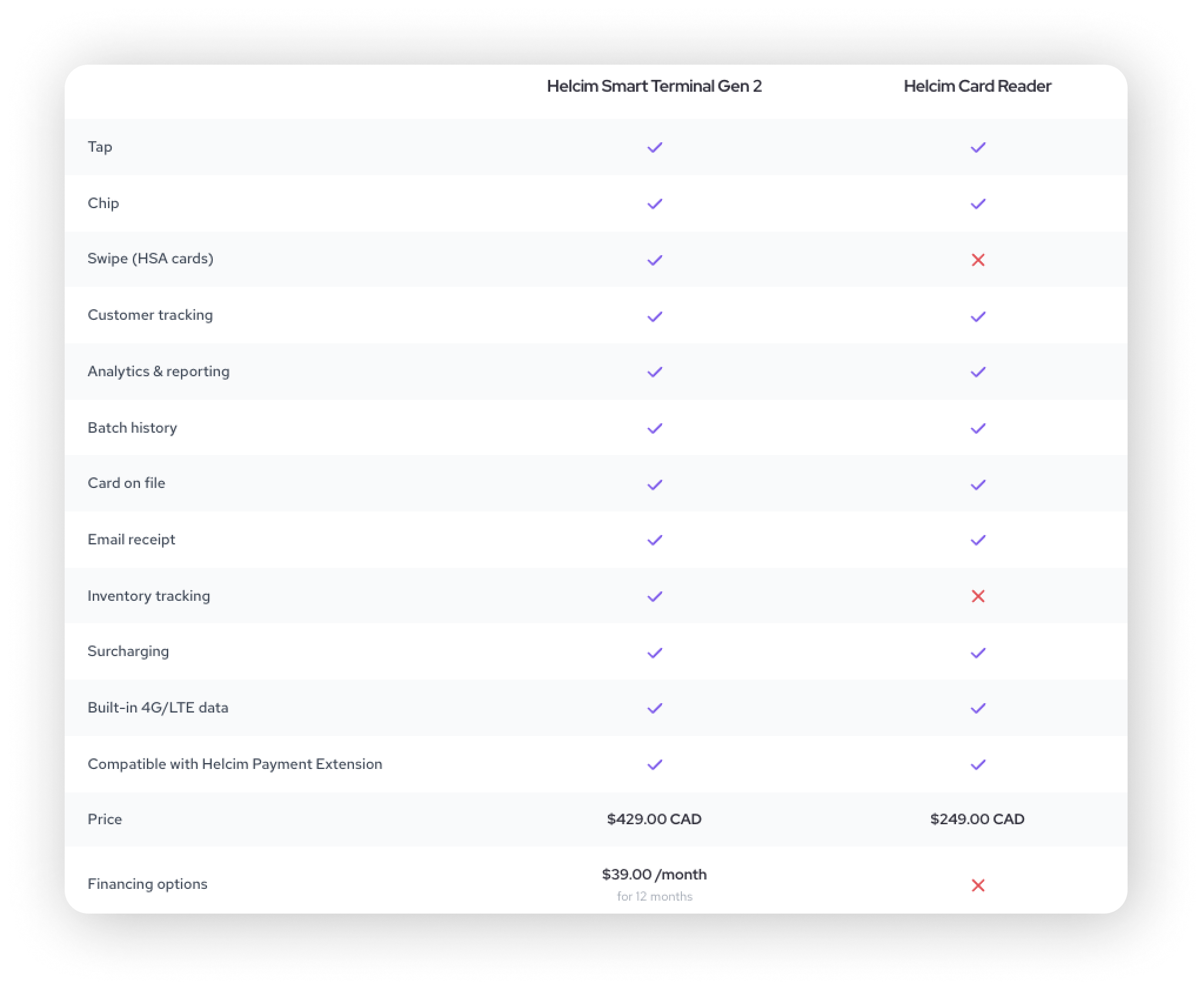
Not sure which to choose?
Open the Compare tab in the Equipment tool to see how the Smart Terminal and Card Reader stack up, feature by feature, along with the price of each. Both accept tap and chip payments. For example, the Smart Terminal can also read swiped cards, including HSA cards, and track inventory, while the Card Reader can't.
Ordering your equipment
You order equipment from the Equipment tool in your Helcim account. It brings the store, your order history, and a product comparison into one place, so you can place an order without leaving your account.
| The previous Helcim equipment store is no longer available. If you saved a link to it, use the Equipment tool in your account instead. |
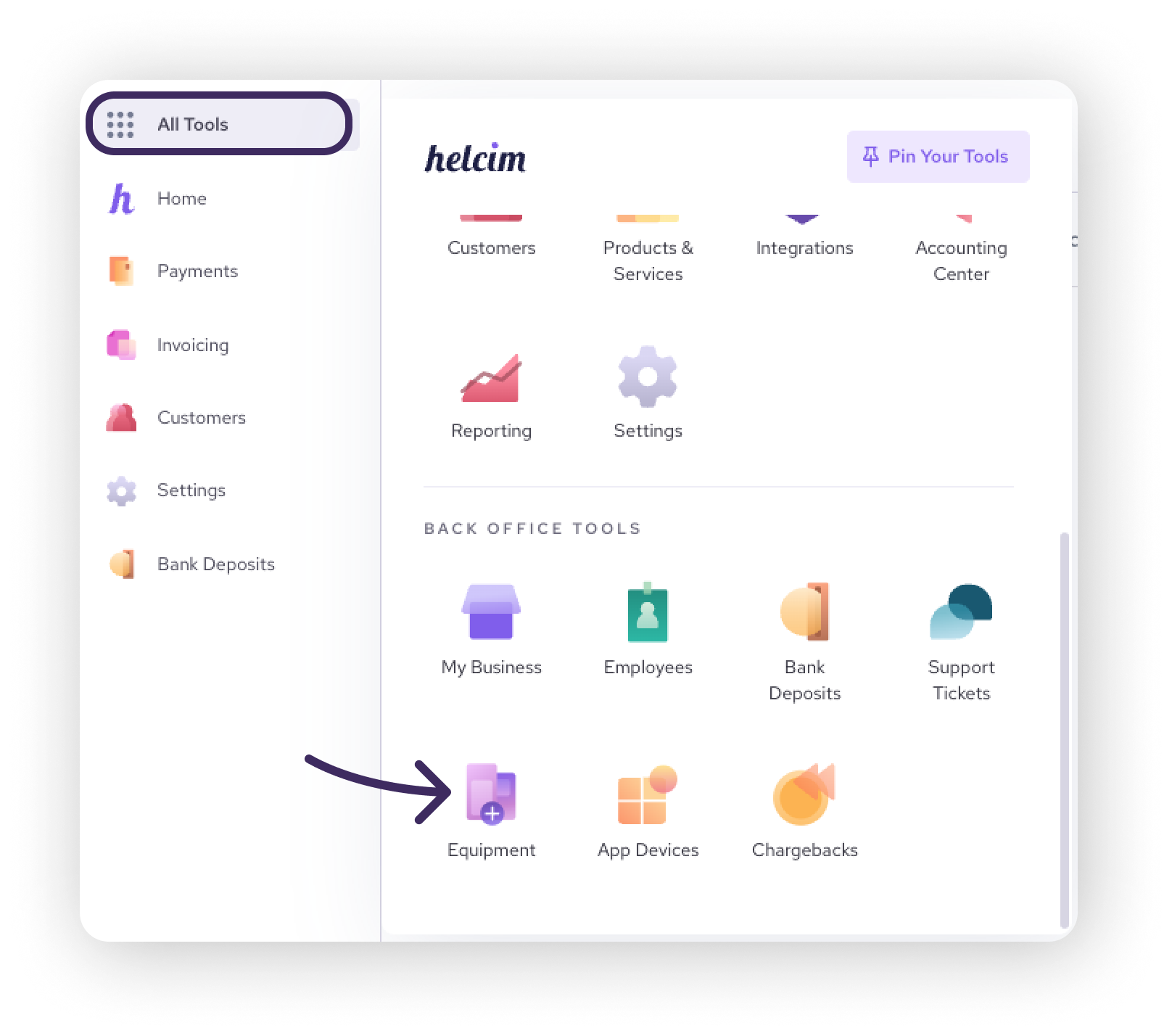
Open the Equipment tool
Log in to your Helcim account.
Click All Tools in the left menu.
Scroll down to Back Office Tools and click Equipment.
The Equipment tool opens with three tabs:
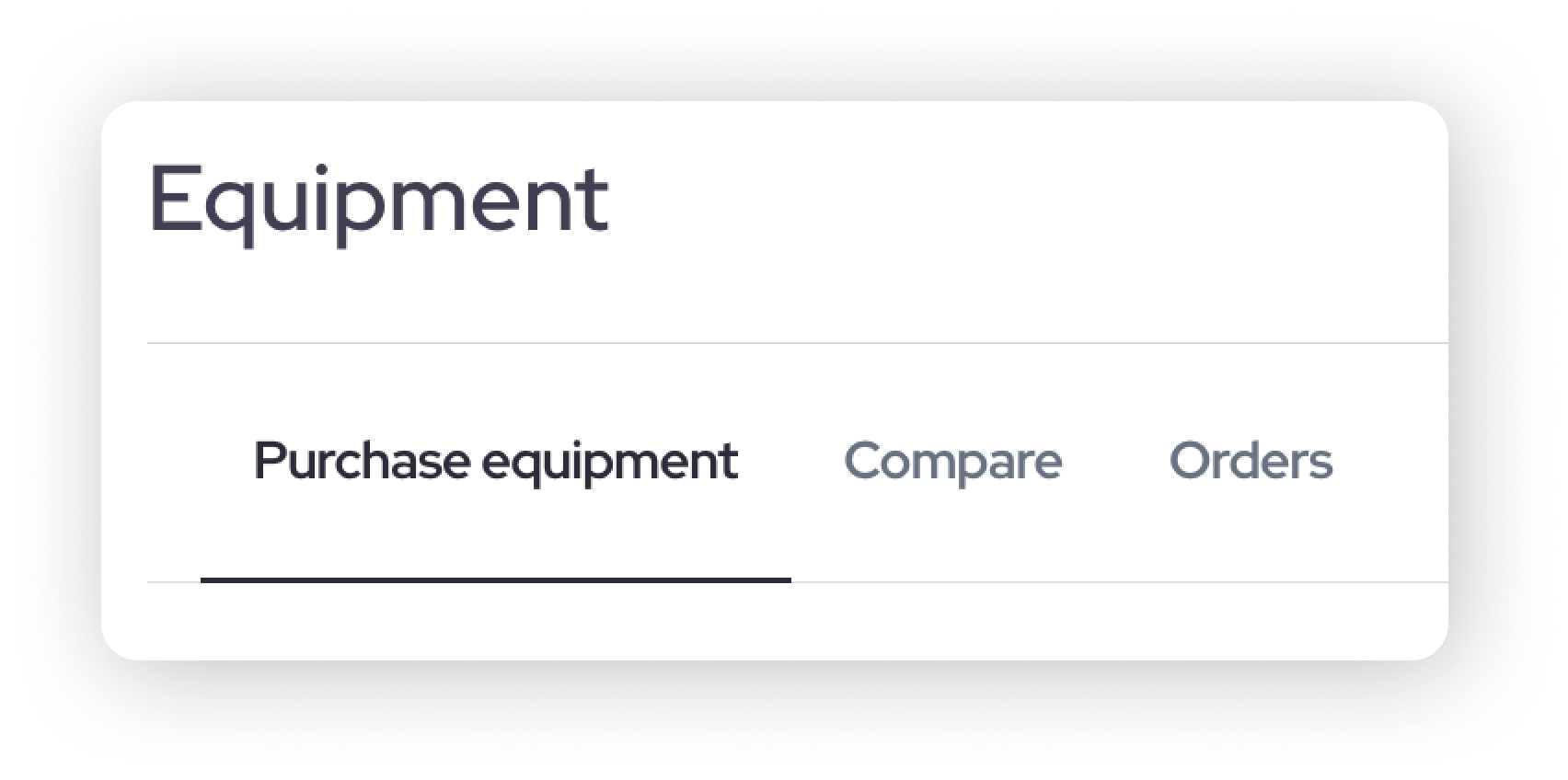
Tab | What you can do |
|---|---|
Purchase equipment | Browse equipment, add items to your cart, and check out. |
Compare | See the Smart Terminal and Card Reader side by side. |
Orders | See every equipment order placed for your business and follow its status. |
Place your order
Click the Purchase equipment tab.
Click an item to expand it and see its details.
If you're ordering a Smart Terminal, choose how you'd like to pay: in full, or with 6 or 12 month financing. The Card Reader is paid in full.
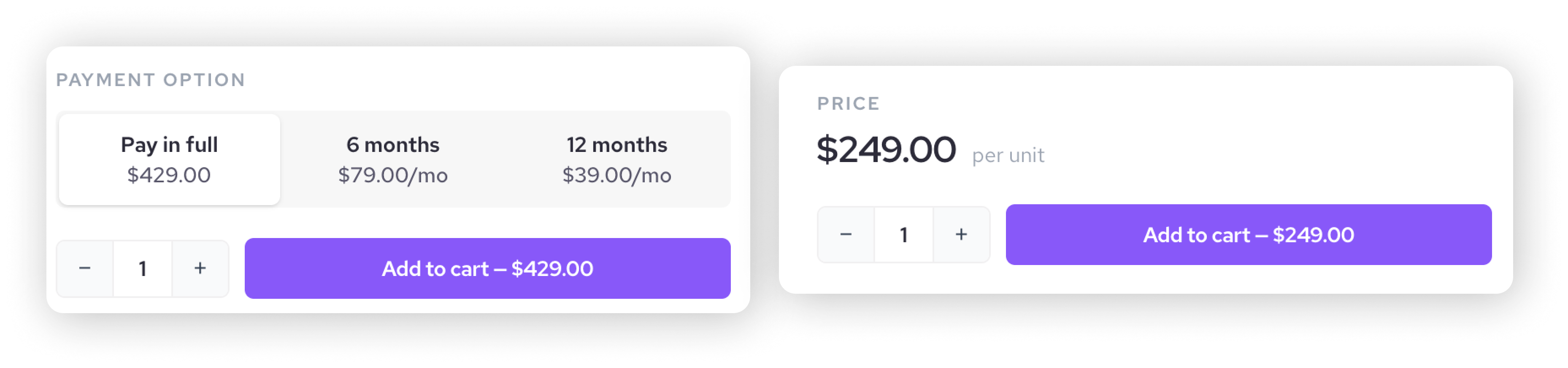
Click Add to cart. The Cart button at the top right shows how many items you've added.

Click Cart to open your cart. Check your items at the top. You can change quantities or remove items, and your totals update automatically.
Enter your contact info: your name, business name, and phone number and email address.
Enter your shipping address. As you type, select your address from the suggestions to fill in the rest. The summary at the bottom of the cart shows your subtotal, shipping, tax, and total.
If you have a discount code, enter it in the discount field.
Check the box to agree to Helcim's Hardware Terms policy. The Proceed to checkout button stays unavailable until you do.
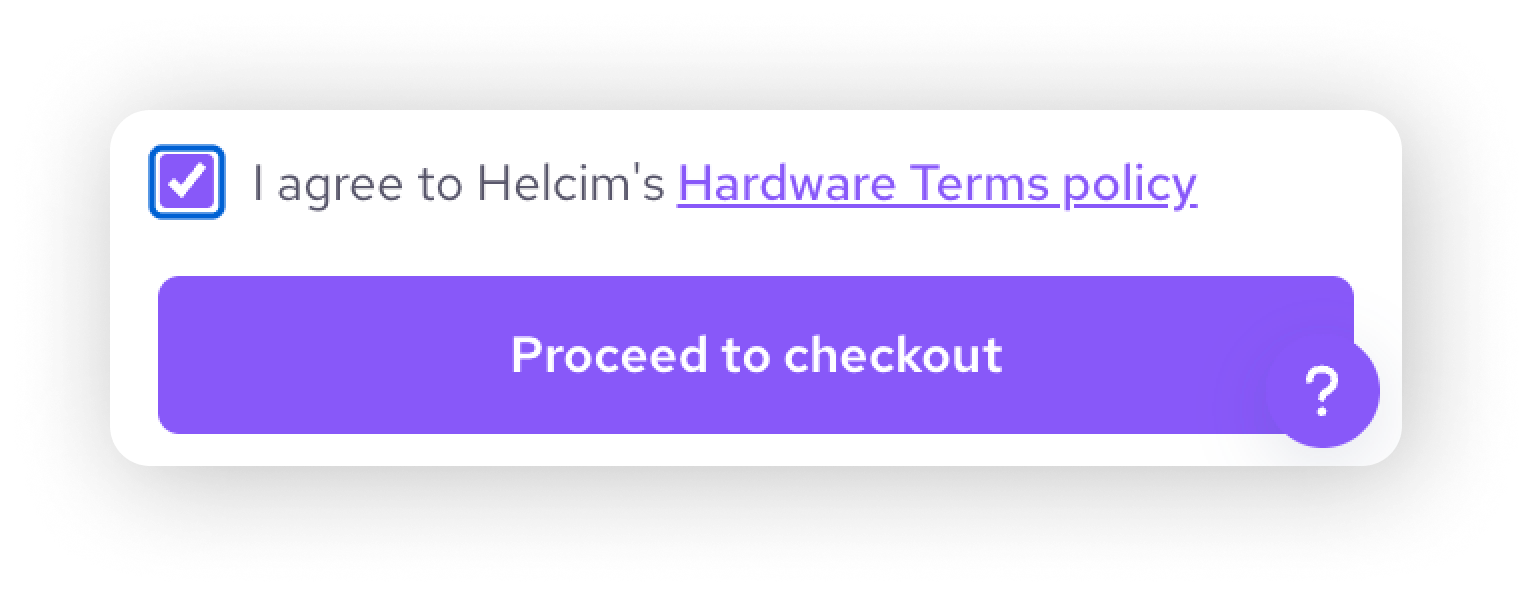
Click Proceed to checkout. A payment window opens where you confirm your card details.
Choose how to pay:
If you've ordered before, select your saved card.
If this is your first order, enter your card details: your name, billing address, and ZIP or postal code. Helcim saves the card automatically so checkout is quicker next time.
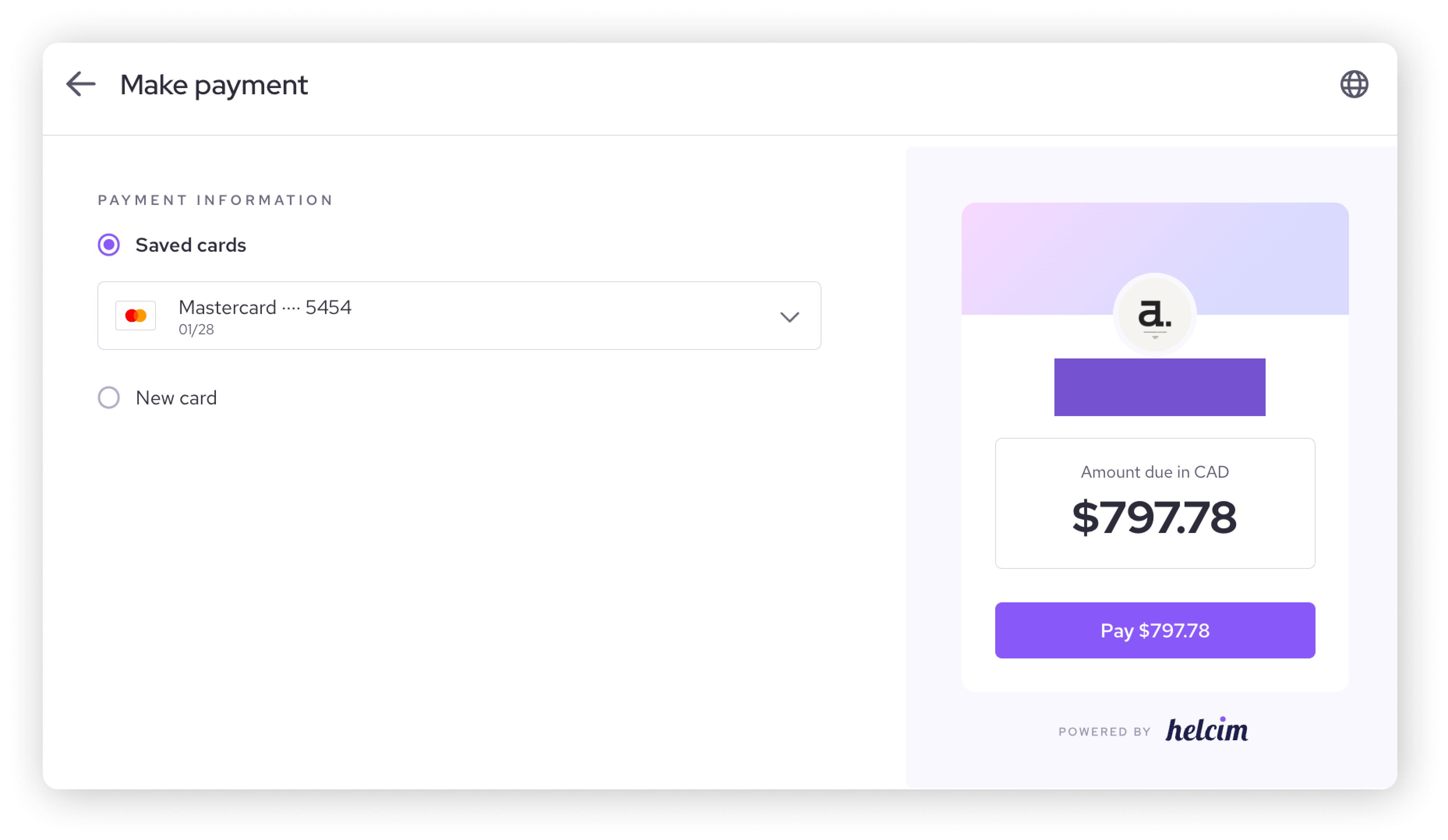
Click Pay.
When your payment goes through, you'll see an order confirmation page with the details of your order. We also send a confirmation email to the email address you entered in your cart.
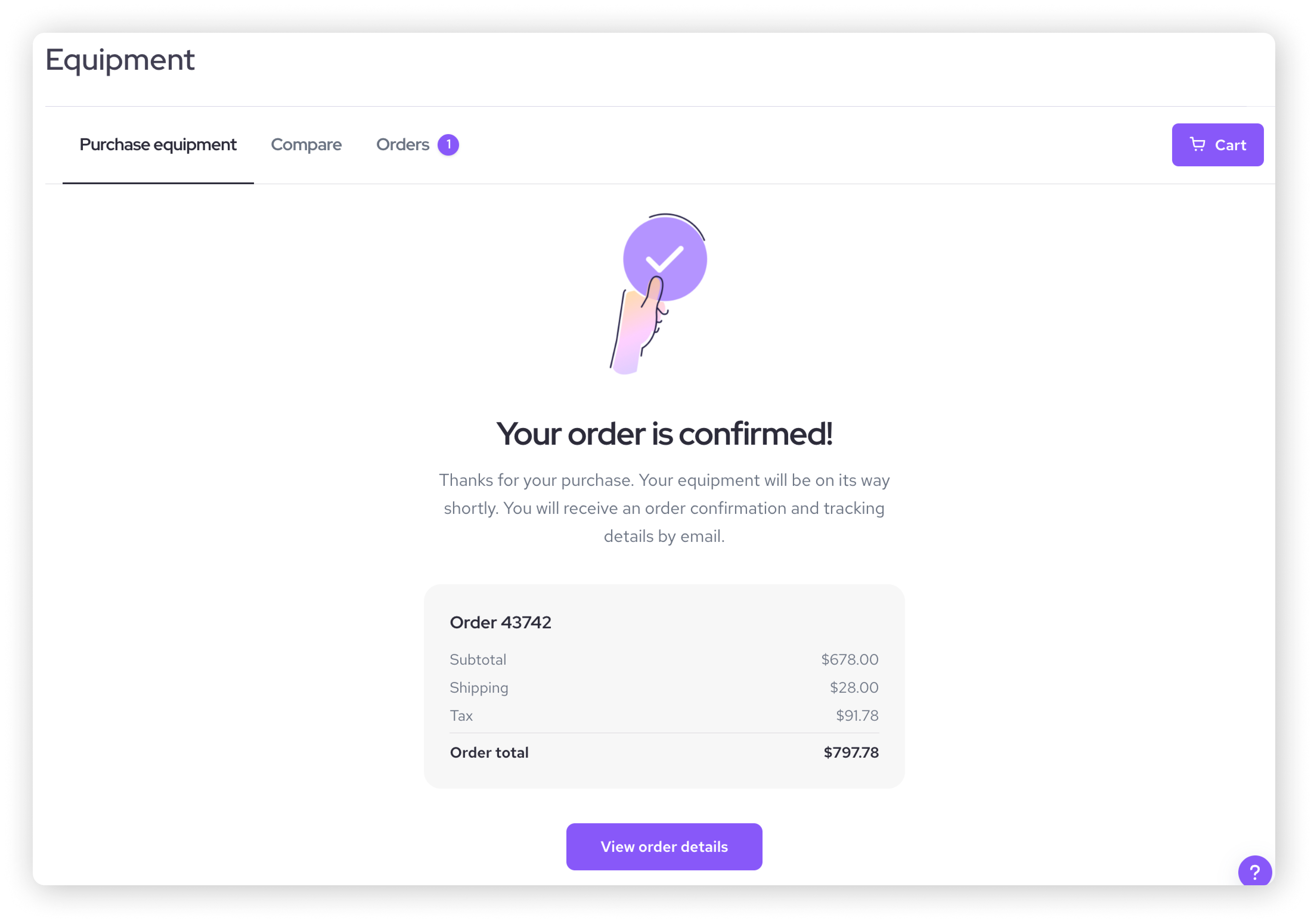
| Your new order appears in the Orders tab straight away. |

Tracking your orders
The Orders tab lists every equipment order placed for your business, so you can check on an order whenever you like. If your business hasn't placed an order yet, you'll see a message letting you know there are no orders.
View your orders
Go to All Tools > Back Office Tools > Equipment.
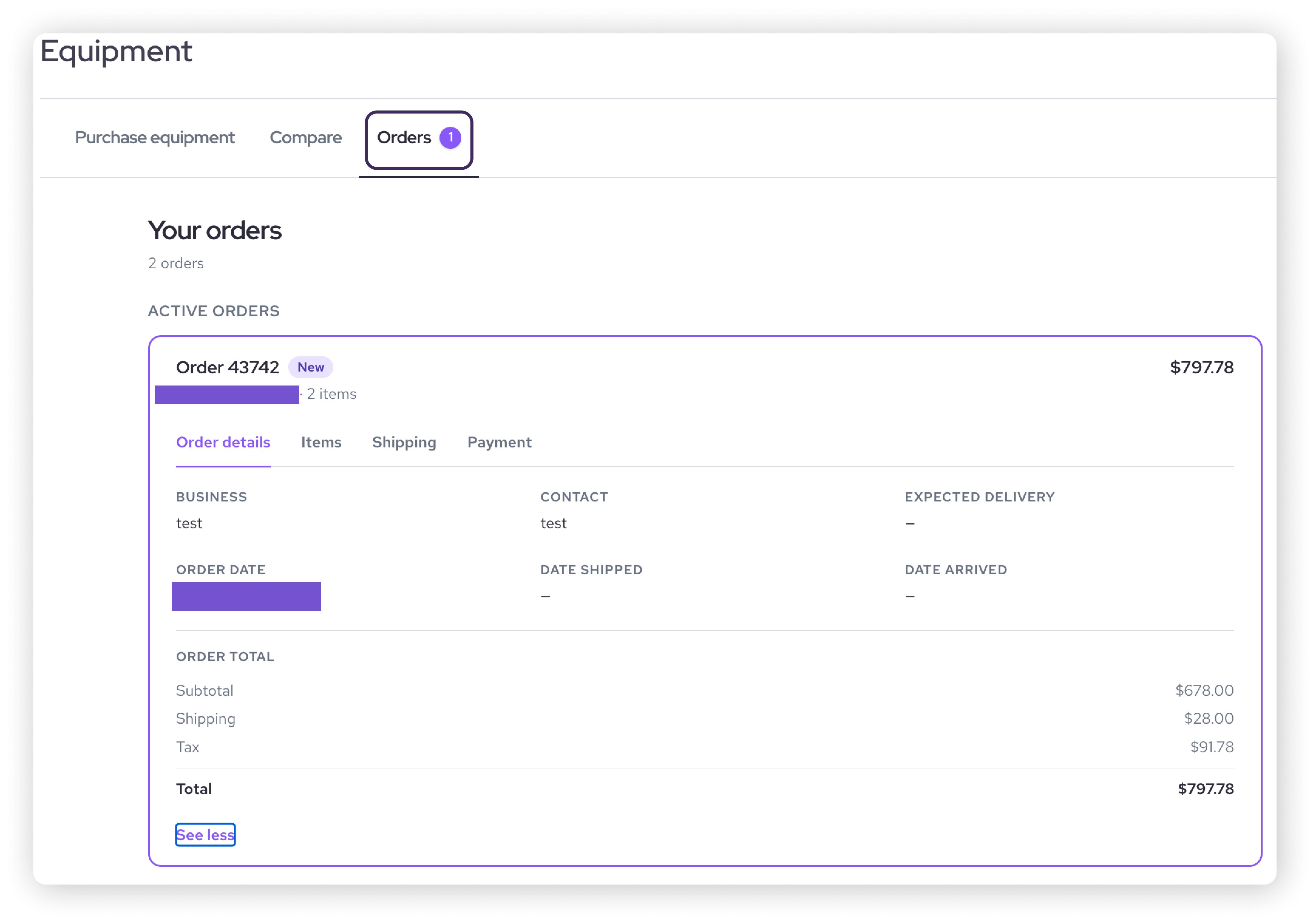
Click the Orders tab. Your orders are listed with their order number, status, date, number of items, and total.
Select an order to see its details. Use the Order details, Items, Shipping, and Payment tabs to find what you need.
Order statuses
Each order shows a status. Most orders move from New to Shipped to Delivered, and returns and cancellations have their own statuses.
Status | What it means |
|---|---|
New | Your order is placed and confirmed. New orders show a notification badge so they're easy to spot. |
Shipped | Your equipment is on its way. The Shipping tab shows your tracking details, and we send you a shipping email. |
Delivered | Your equipment has arrived. The order stays in your list with all its details, without a notification badge, and Order details shows the date it arrived. |
Refund Complete | This status is for return orders. It means the refund for your return is complete. |
Cancelled | The order was cancelled. |
Track your shipment
Once your order has shipped, open the order under the Orders tab and go to the Shipping section. Select the tracking link to open the carrier's tracking page in a new browser tab. The Order details tab also shows your order date, expected delivery date, the date your order shipped, and the date it arrived, with a breakdown of your subtotal, shipping, tax, and total.
Order emails
You'll receive two emails about each order:
Order confirmation: Sent as soon as your payment goes through.
Shipping: Sent when your order is on its way.
These emails go to the email address entered in the cart at checkout. Orders belong to the business they were placed for, so everything ordered for your business appears in the Orders tab, whoever placed it. If you're added to more than one Helcim business, each business shows its own orders.
Setting up your point of sale
Once your equipment arrives, you'll want to set up your point of sale (POS) in a way that streamlines your payments.
| Check out this article on setting up your Helcim POS to learn more about how your hardware works with our POS app to take payments for your business! |

Next steps
Now that you've explored Helcim's equipment options and how to order them, you're one step closer to accepting your first payment.
| If you have a team, you'll want to give them access to your Helcim account so they can take payments for you. Learn more in this article on adding employees. You can also skip ahead to learn how to take your very first transaction with Helcim. |
Here are some more helpful articles on our hardware:
Learn more about Tap to Pay on iPhone: Using Tap to Pay on iPhone
Learn more about the Helcim Smart Terminal: Using the Helcim Smart Terminal
Learn more about the Helcim Card Reader: Using the Helcim Card Reader
FAQ & Troubleshooting
What if I need to order equipment in bulk?
Contact our sales team! They can help you place a bulk order.
Can I return or exchange equipment if I'm not satisfied?
Yes, Helcim offers a 30-day return policy on all equipment. You can make a return by creating a support ticket, or calling our support team.
What are the fees associated with using Helcim equipment?
There are no monthly fees or contracts for using Helcim equipment. You only pay for the equipment itself and the transaction fees associated with processing payments.
What are the shipping options, costs, and estimated delivery times?
Helcim offers the following shipping options:
For US merchants:
Standard shipping (3-5 business days): $30
Expedited (2 day): $45
Expedited: $70
For Canadian merchants:
Shipping is determined by region.
Please note that these are estimated delivery times and may vary depending on your location and other factors.